Overview
My team was working across multiple projects, but lacked consistency in components and technical design standards. Each designer created components using their own “design language” which led to fragmentation and made it difficult to scale as the number of projects grew
The Role
I built the Bravo Design System from the ground up, starting with the mobile app. My focus was on defining core, frequently used mobile components, implementing a variable-based system and clear naming conventions to enable consistent usage and smooth technical handoff within the team
Team Collaboration
Lê Kỳ Chức: A senior designer, received the Bravo Design System (mobile app) transfer from me and adapt it for web
Lê Đăng Khoa: A junior designer, was onboarded through this system, and later took responsibility for maintenance and updates
THE
PROBLEMS
Problems & Challenges
The lack of technical design alignment caused friction across projects. For example, when I joined a project owned by Lê Kỳ Chức, I had to relearn his naming rules and component structure. As a result, developers also had to adjust to different design styles depending on the designer, and the QC team faced similar issues when finding UI bugs.
This inconsistency slowed down project handoff to clients, increased maintenance cost, and made team resources less efficient.
The key challenge was to build a Design System that could:
Standardize components across projects
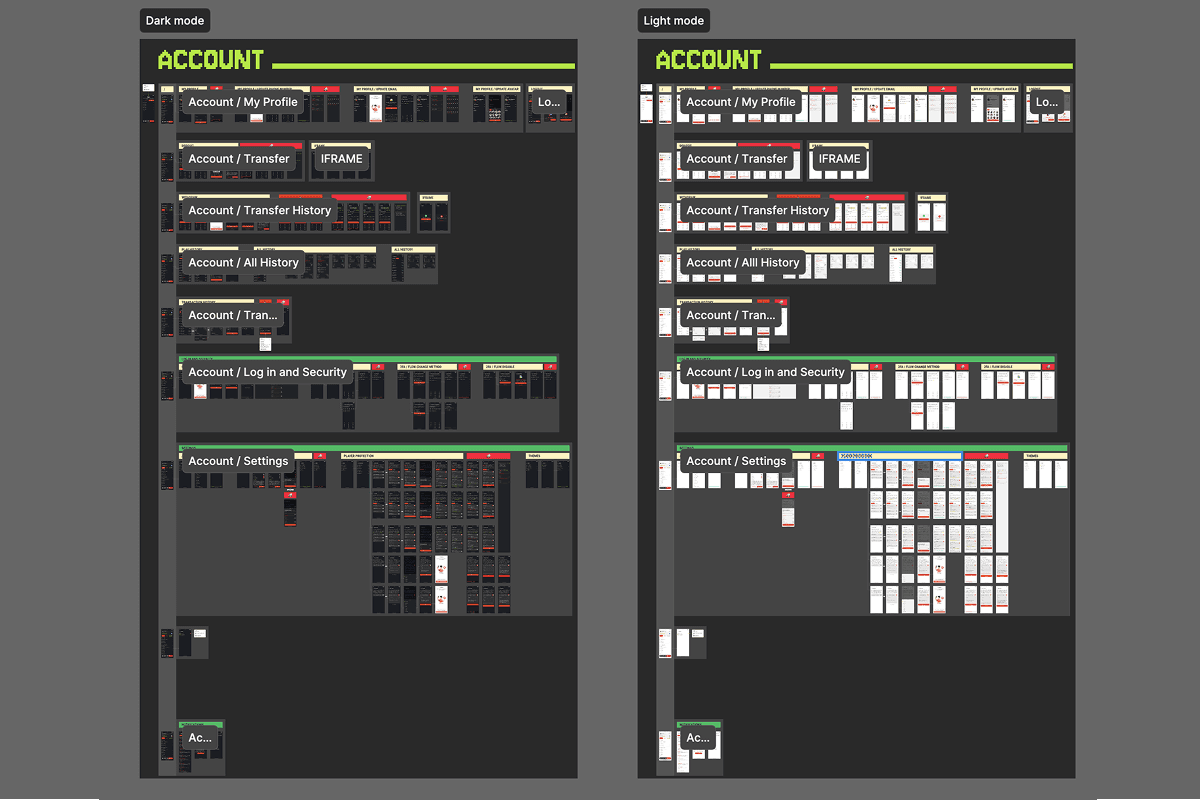
Support light/dark mode through design tokens
Allow easy brand color customization for clients without incurring high update costs
Goals & Objectives
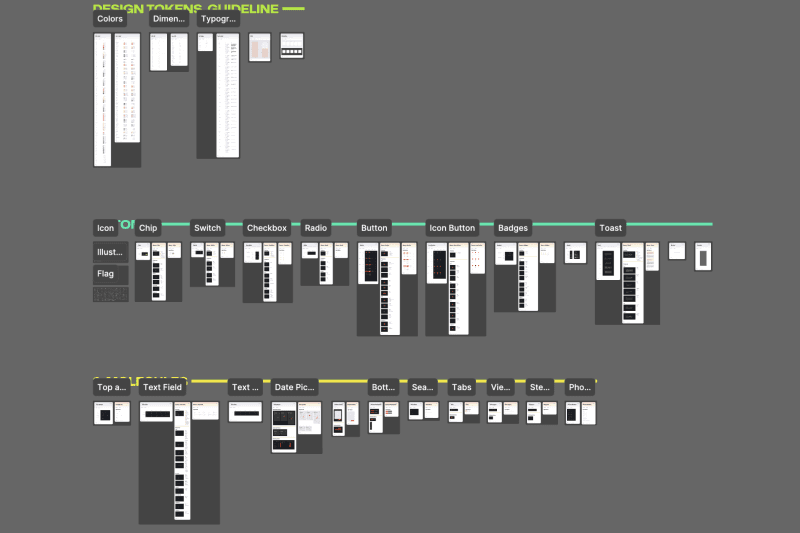
Build a Design System with separate systems for mobile apps and web, covering foundations (colors, typography, spacing…) and components (buttons, modals, forms…). Mobile and web are kept separate because they have different interactions and behaviors.
Use design tokens to support light/dark mode and allow quick brand color changes.
Align technical design standards across the design team.
Improve developer handoff speed while making it easier for QC to identify UI bugs.
THE
SOLUTIONS
Token Analysis
We reviewed design tokens from different Design Systems to see their pros and cons, and to find the approach that works best for our system.
1/ Material Design 3
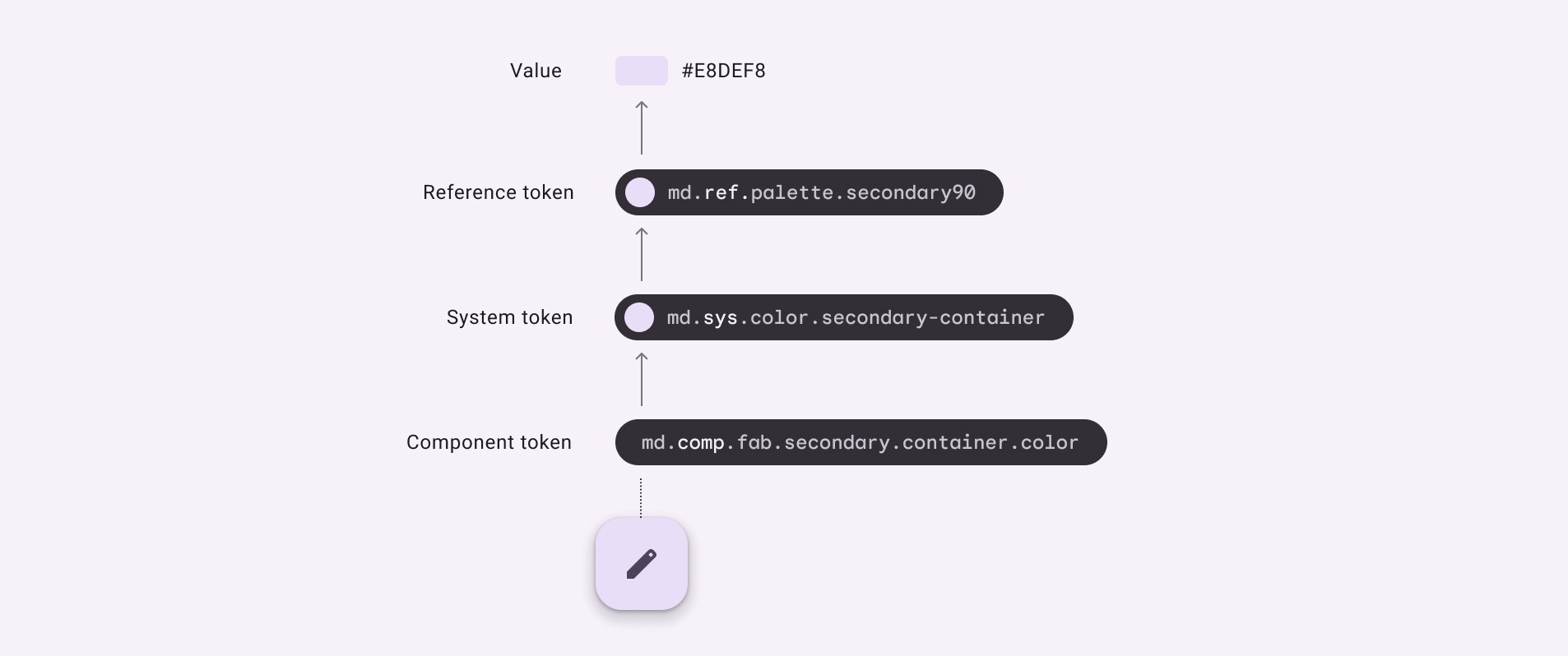
Reference Tokens: Map to raw hex values with tonal palette such as Primary, Secondary, Tertiary, Error…
System Tokens: Map to Reference Tokens in Light/Dark mode, using brand–UI naming (Primary, Surface, Outline…)
Component Tokens: Map to System Tokens, using component-level naming (Button, FAB, Checkbox…)
!!! RAW VALUE → Reference → System → Component
PROS:
Allows easy theming and multi-brand support without redesigning components.
Supports light and dark mode through clear system-level mapping
CONS:
Needs a lot of setup and clear rules from the start
Adds more complexity and takes time for new designers to learn
2/ Atlassian
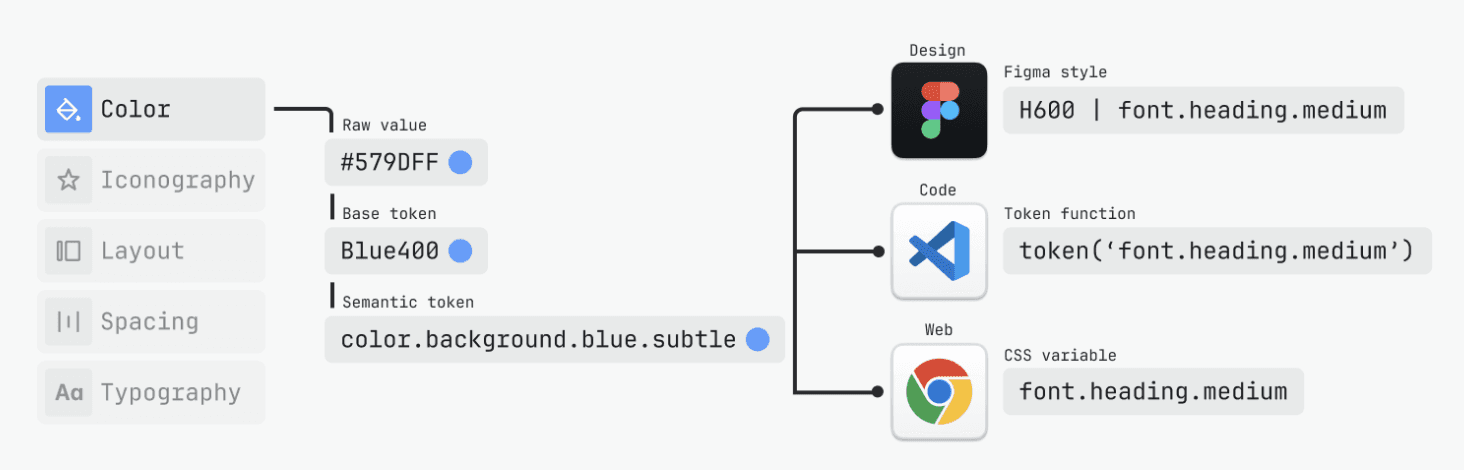
Base tokens: Map to raw hex values using a color palette or scale (for example, Blue400)
Semantic tokens: Map to Base Tokens using UI-meaningful names that are used directly in design and code (for example, color.background.blue.subtle). These tokens support light and dark mode.
!!! RAW VALUE → BASE → Semantic
PROS:Simple and unified token set, easy for designers and developers to use
Built-in light/dark mode without extra mapping layers
CONS:
No clearly defined component-level token layer
KEY FINDINGs
After reviewing several popular Design Systems, we found that each system is built to focus on either efficiency or flexibility, depending on product needs
Structure
Most Design Systems use 2 to 3 layers, such as Global, Alias, and Component.
Naming convention
Layer 1: Named by color values or basic brand/state meaning. For example: red10, green100, blue900, or primary10, secondary20, error100
Layer 2: Named by UI purpose or brand/state usage, such as text, background, border, or primary, info, warning
Layer 3: Named by specific components, following a clear prefix order from foundation level (color, elevation, font). For example: button-primary-default-background-color or color-button-primary-default-background
OUR SOLUTION
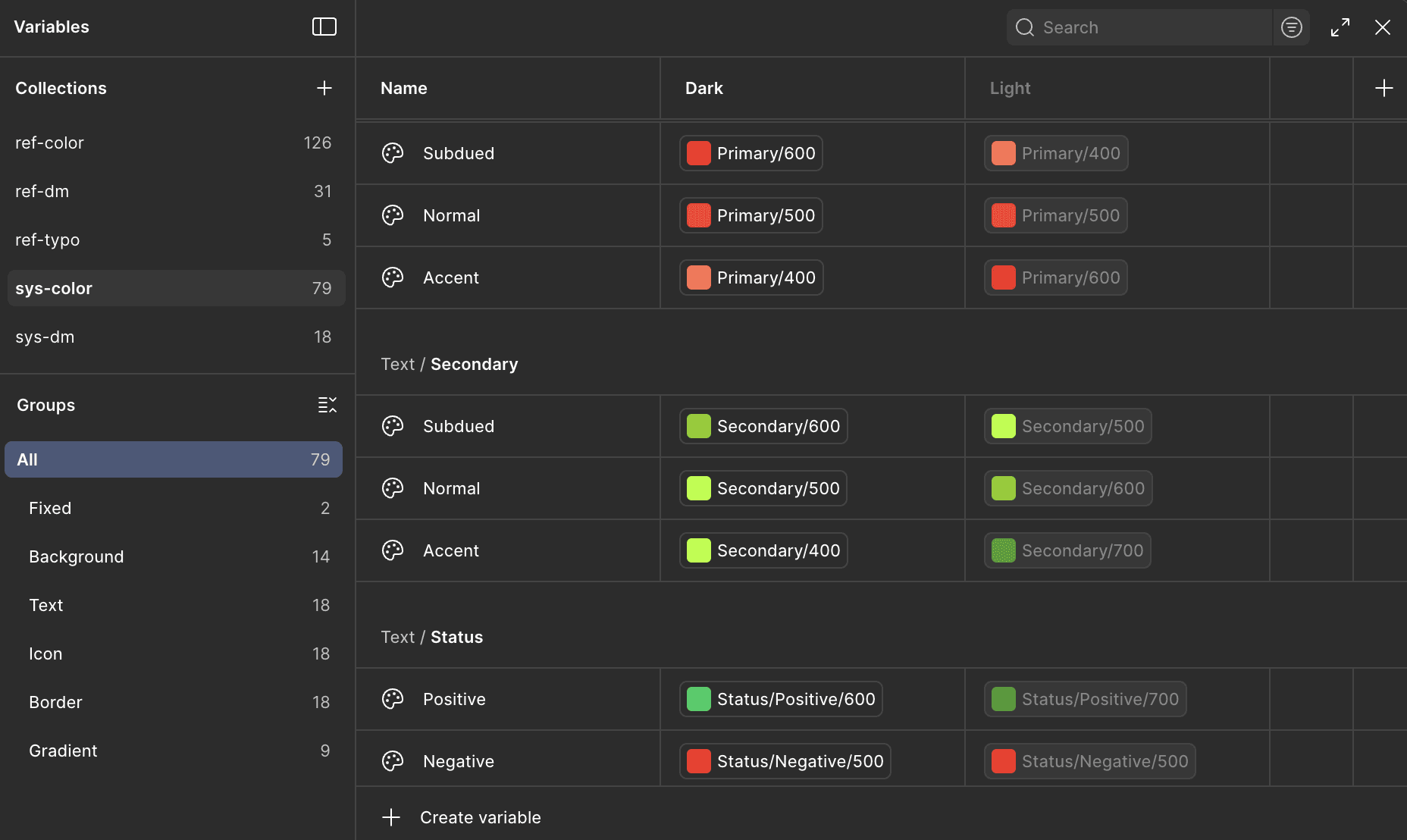
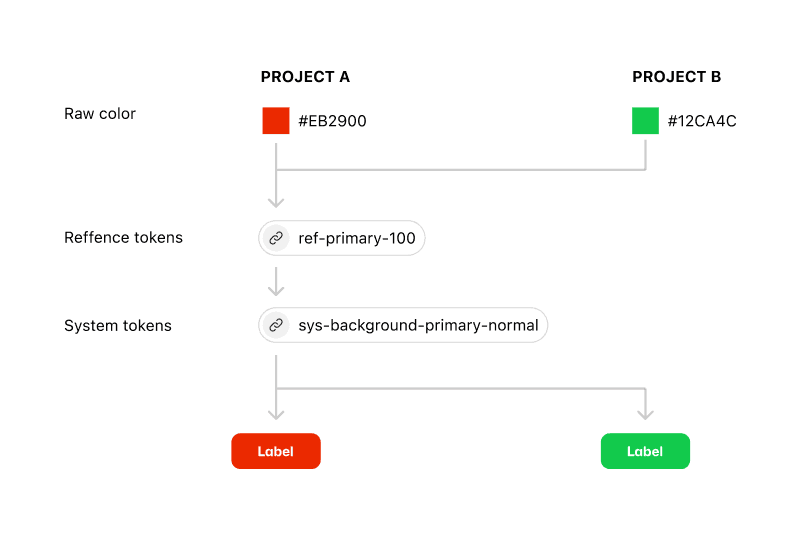
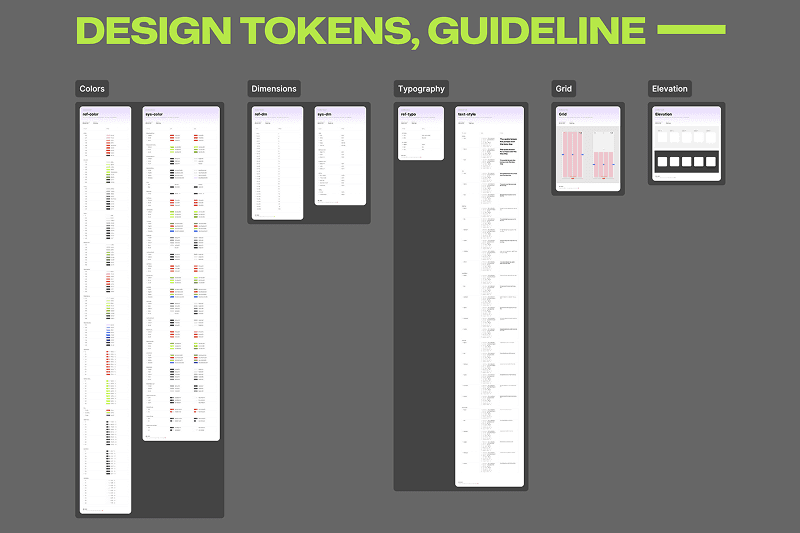
To keep the system easy to use and easy to learn for new designers, we decided to use only two token layers in Figma Variables, while still supporting light/dark mode and fast brand color changes
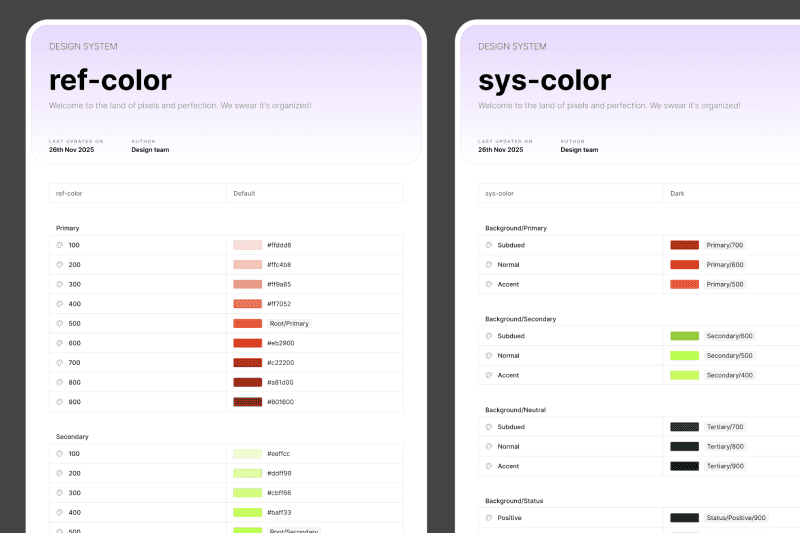
Layer 1: Reference Tokens
This layer is named by color values, for example: primary-100, primary-200
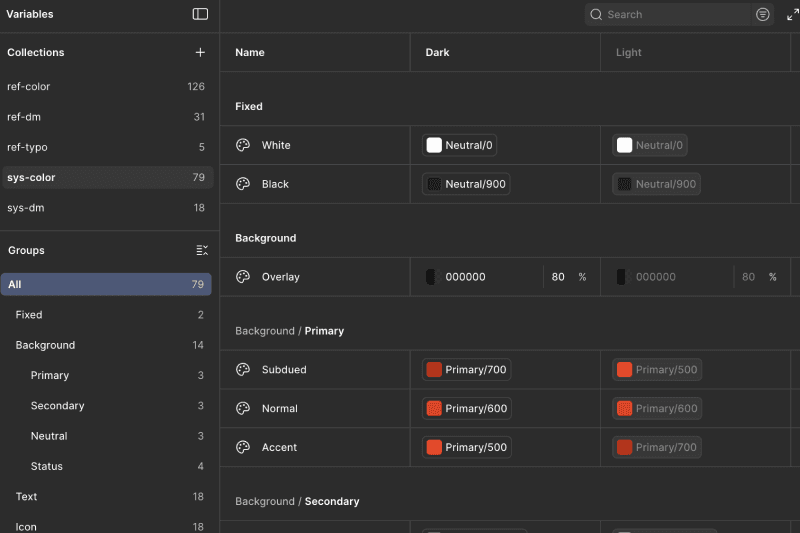
Layer 2: System Tokens
This layer is named by UI purpose, such as background, text, border, and icon.
System Tokens are mapped from Reference Tokens and support two modes: Light and Dark.
💻 Developer Handoff
For developer handoff, we use Style Dictionary to parse design tokens from Figma Variables (exported as JSON files). The process works as follows:
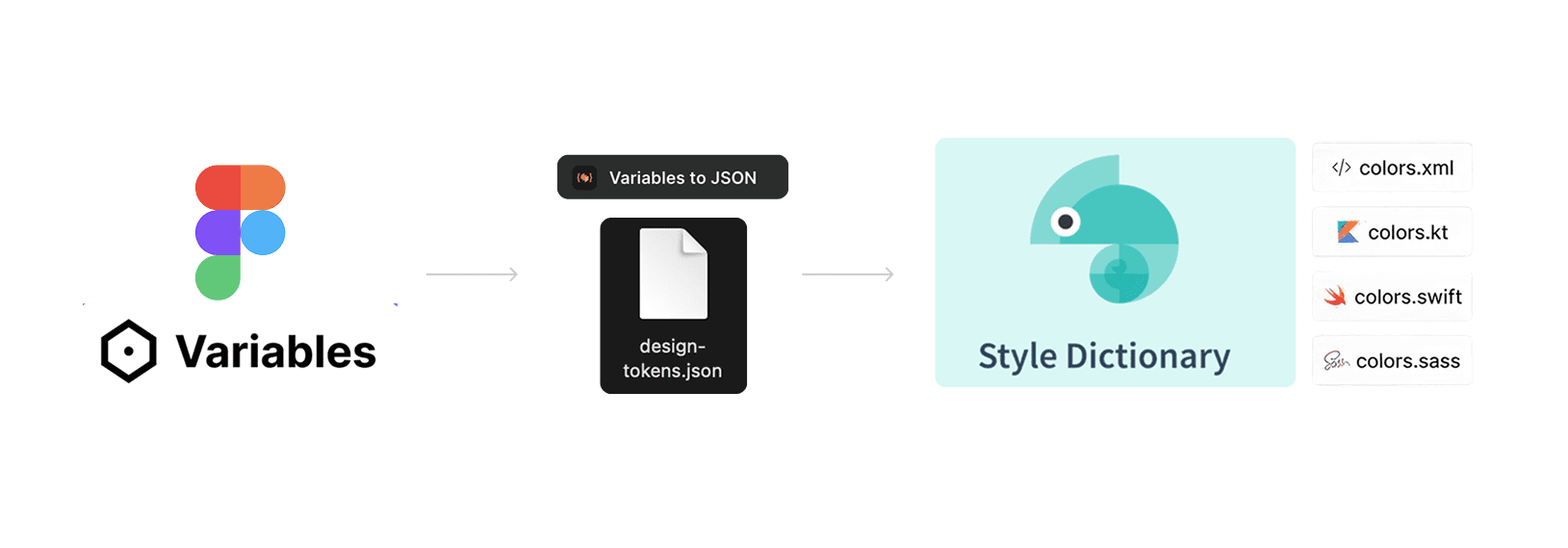
🎨 Our structure Figma variables
THE
RESULTS
100% of developers and QC team adopted the new handoff process using design tokens
Change request handling time reduced by exporting updated JSON tokens and redeploying, instead of manual UI fixes
1 unified technical design standard applied across the entire design team
~30% faster design speed for new projects by reusing the existing Design System
← results →
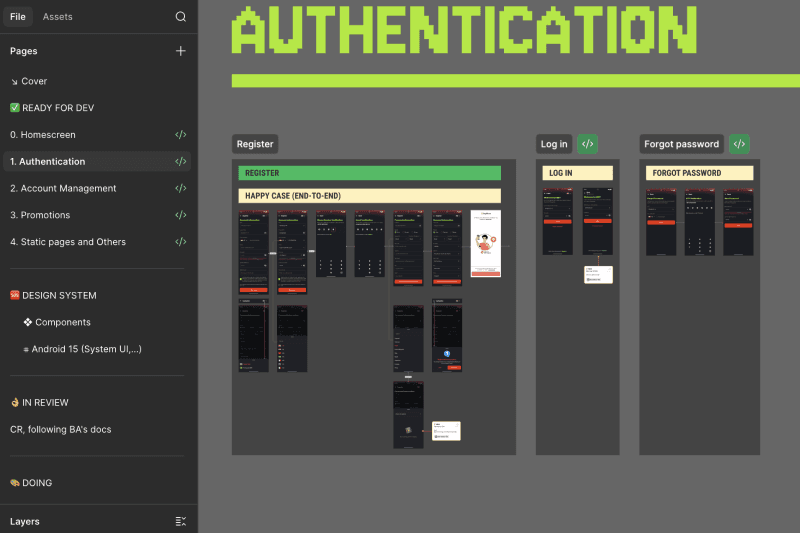
EXTRAAAAAA
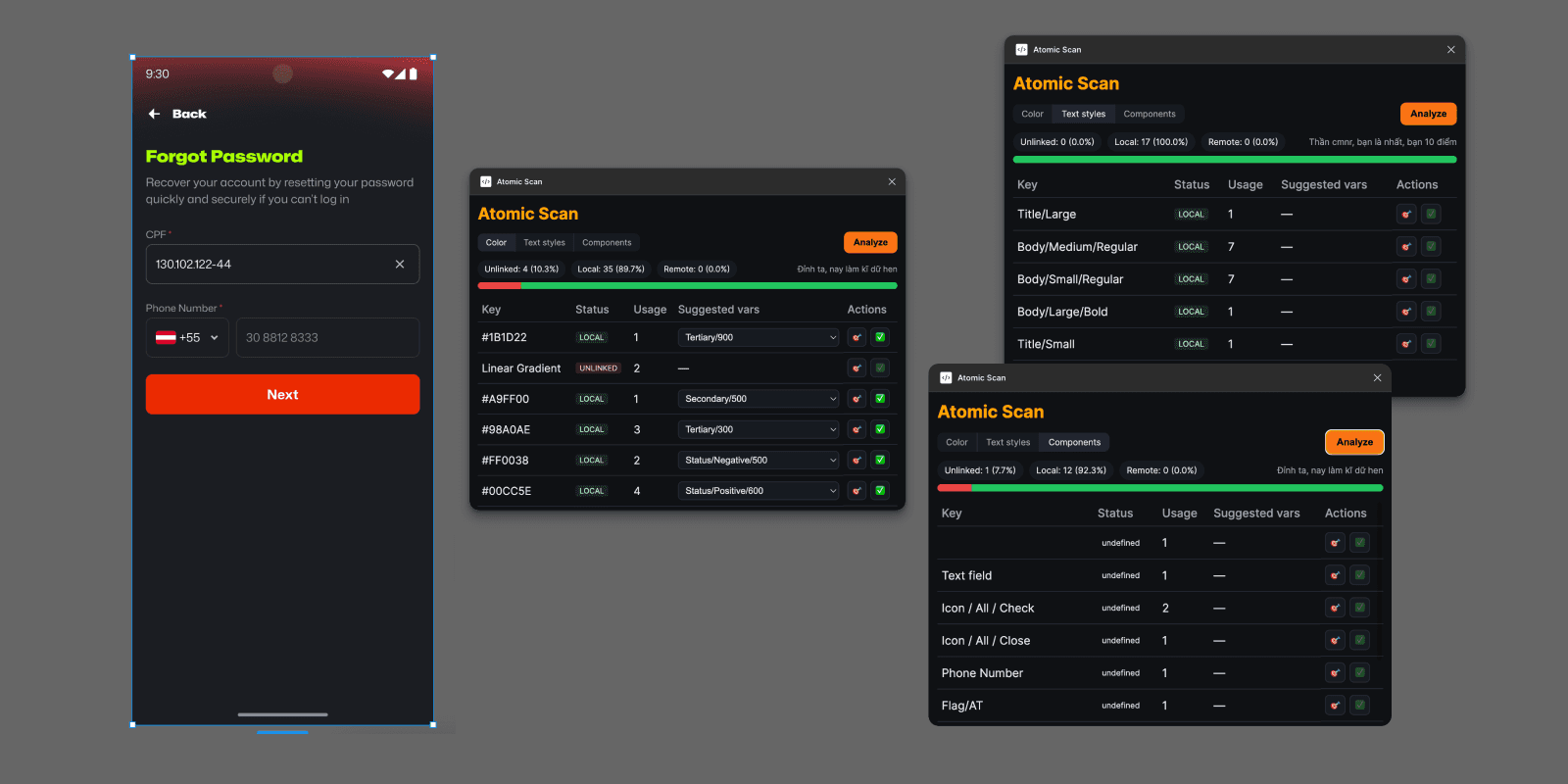
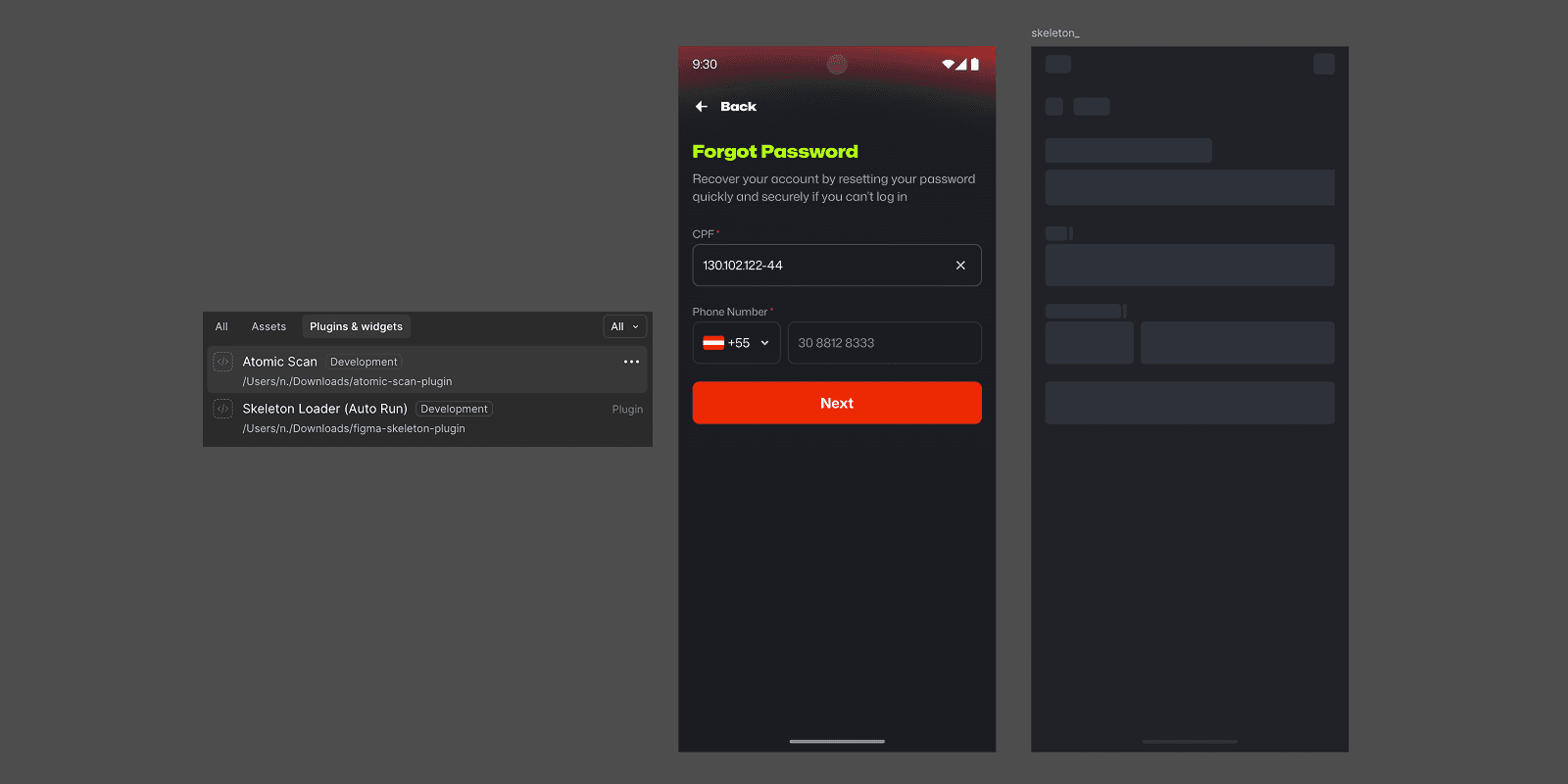
In addition, to help team members self-check whether they are using local design tokens correctly in Figma files, I built a plugin called “Atomic Scan” with the following core features:
Scan artboards to analyze the usage ratio of Colors, Text Styles, and Components, including whether they are local, remote, or unlinked.
Allow users to inspect layers that are using remote or unlinked Colors/Text Styles, then select local design tokens and remap them directly.
This helps designers maintain the highest possible usage of local design tokens in their Figma files, making future updates and changes much easier and more efficient.
ANDDDdddd….
I also built a plugin called “Skeleton Loader” that automatically generates skeleton screens from selected UI.
Both plugins help designers save a significant amount of time compared to doing everything manually.